Theme customization
SharePass recognizes that each user has unique preferences when it comes to the appearance of their workspace. That’s why we offer Theme Customization, a feature that allows you to personalize your SharePass experience to match your aesthetic and functional preferences.
What Can You Customize?
With Theme Customization in SharePass, you can modify the appearance of your interface.
You have the choice between two distinct modes – Light and Dark. Select Light Mode for a clean and bright look, or opt for Dark Mode for a sleek, low-light interface.
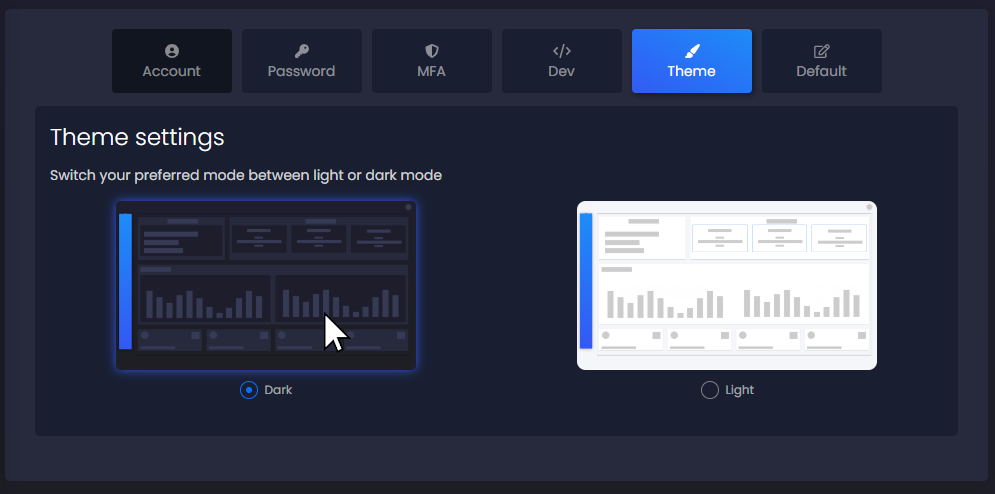
How to Customize Your Theme?
- Log in to your SharePass account.
- Navigate to Settings in the top-right corner of your dashboard.
- Select Theme from the settings menu.
- Choose between Light or Dark mode.