Multi-Factor Authentication (MFA) Options
SharePass prioritizes the security of your account and data, and that’s why we offer Multi-Factor Authentication (MFA) options. MFA is a fundamental security feature that adds an extra layer of protection to your SharePass account. It ensures that even if your password is compromised, unauthorized individuals will have a significantly more challenging time gaining access to your account.
MFA Methods
SharePass gives you the flexibility to choose the MFA method that aligns with your security preferences. We offer two distinct MFA options.
Authenticator App
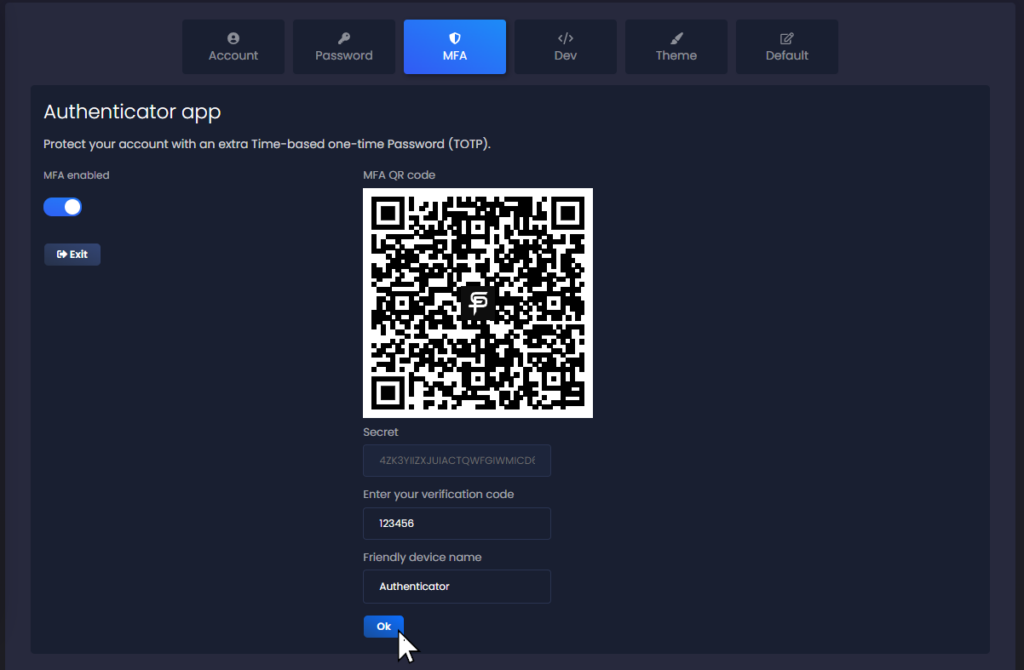
With this option, you can use a trusted mobile app as your second authentication factor. When you enable this feature, during the login process, you’ll be prompted to enter a time-sensitive code generated by the authenticator app. This code changes frequently and adds an additional layer of security to your account.
Security Keys
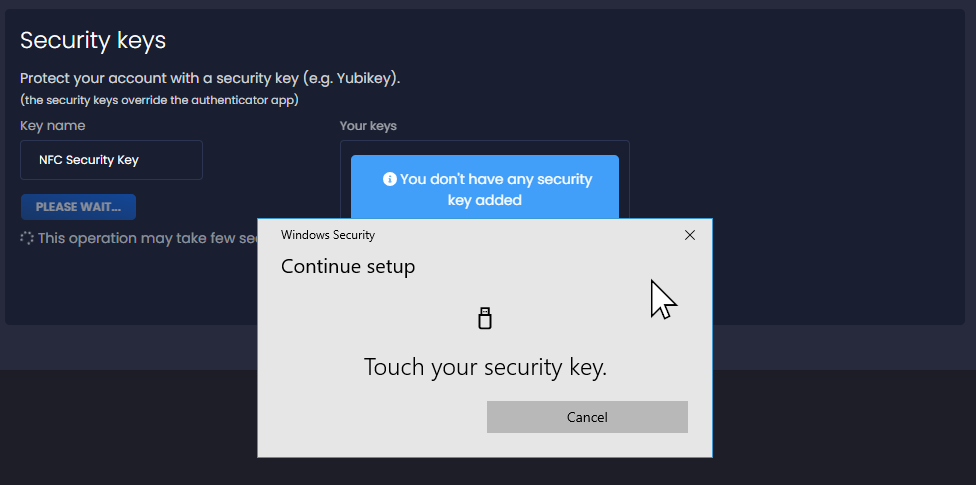
SharePass also supports the use of physical security keys, such as YubiKey, as an MFA method. You can enroll your security keys with SharePass. When logging in, you’ll need to physically insert the key and perform a verification action. This physical authentication method offers robust protection against unauthorized access.
Applicability of MFA
It’s important to note that MFA options are available for regular SharePass accounts. These MFA methods do not apply to Single Sign-On (SSO) accounts. SSO accounts often have their authentication mechanisms configured by the organization’s identity provider.