Setting up Security Settings
The secret security settings are designed to provide robust control over how your secrets are accessed and shared. These settings play a crucial role in ensuring the confidentiality and security of your sensitive information, and they align with the stages of the security funnel. Let’s dive into them:
Visibility
Purpose: Visibility settings determine who can see the secret. It ensures that even if the secret ID is known, unauthorized users cannot view it.
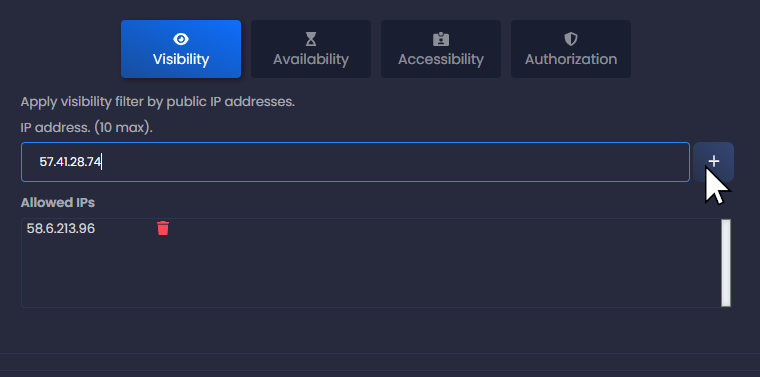
Filter Description: This stage verifies if the secret exists in the SharePass database and if the requester has permission to see it. If the secret is not visible to the requester or if the request originates from an unverified or unauthorized IP address, a ‘Not Found’ error is returned. This IP address inspection adds an additional layer of security, ensuring that the request source is validated.
Availability
Purpose: Availability settings define when the secret is accessible. Secrets are not necessarily always available, as they have a defined Time to Live (TTL). They can be available for a specific period or at a future time.
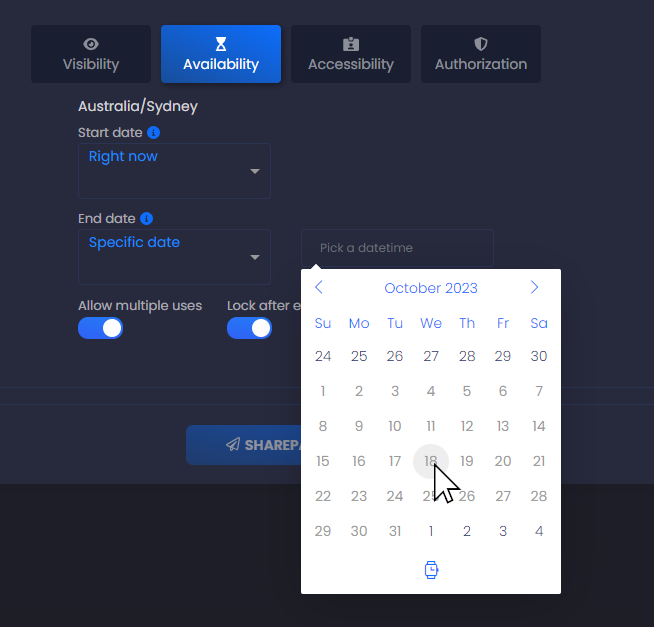
Filter Description: The availability filter checks if the secret is accessible based on its TTL. If the secret is not available at the requested time, it remains locked. Furthermore, SharePass allows users to set multiple uses for a secret, ensuring that it can be accessed by multiple times within the defined time frame.
Accessibility
Purpose: Accessibility settings determine if the owner (sender) has explicitly locked the secret or if multiple unauthorized attempts to retrieve the secret have been made.
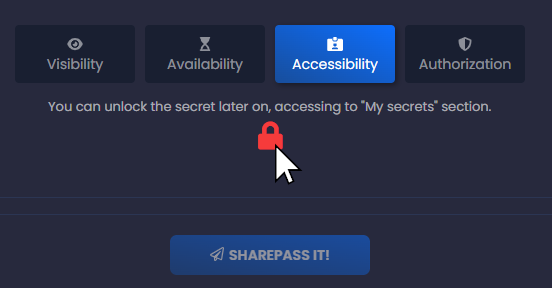
Filter Description: This filter ensures that the secret is accessible only when it is not explicitly locked by the sender and has not been subjected to multiple unauthorized access attempts. If it fails this filter, the secret remains inaccessible.
Authorization
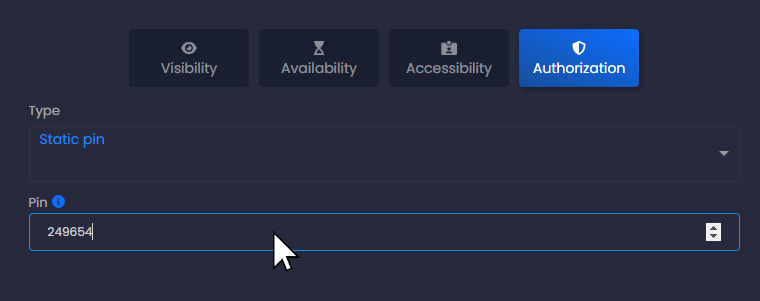
Purpose: Authorization settings add an additional layer of security by allowing the sender to restrict access to the secret based on recipient identification or PIN codes.
Filter Description: The authorization filter checks whether the recipient meets the specified identification or PIN code criteria set by the sender. Only those who meet these criteria can proceed to access the secret.
These security settings, aligned with the security funnel, collectively create a multi-layered defense to safeguard your secrets. They ensure that only authorized and authenticated users can access sensitive information, enhancing the overall security and confidentiality of your data within SharePass. This comprehensive approach is critical for maintaining the integrity of your shared secrets and ensuring that they are accessible only to those who should have access.