Mobile App
The SharePass Mobile App, available for iOS and Android devices, offers seamless data sharing capabilities while prioritizing security and privacy. To fully utilize the app’s features, SharePass may request keyboard permissions, enabling users to generate SharePass links within any existing app, ensuring effortless and secure data sharing.
Installing the Mobile App
Get started with SharePass on your mobile device by installing our app from your device’s app store (AppStore or Google Play).
Get Notified
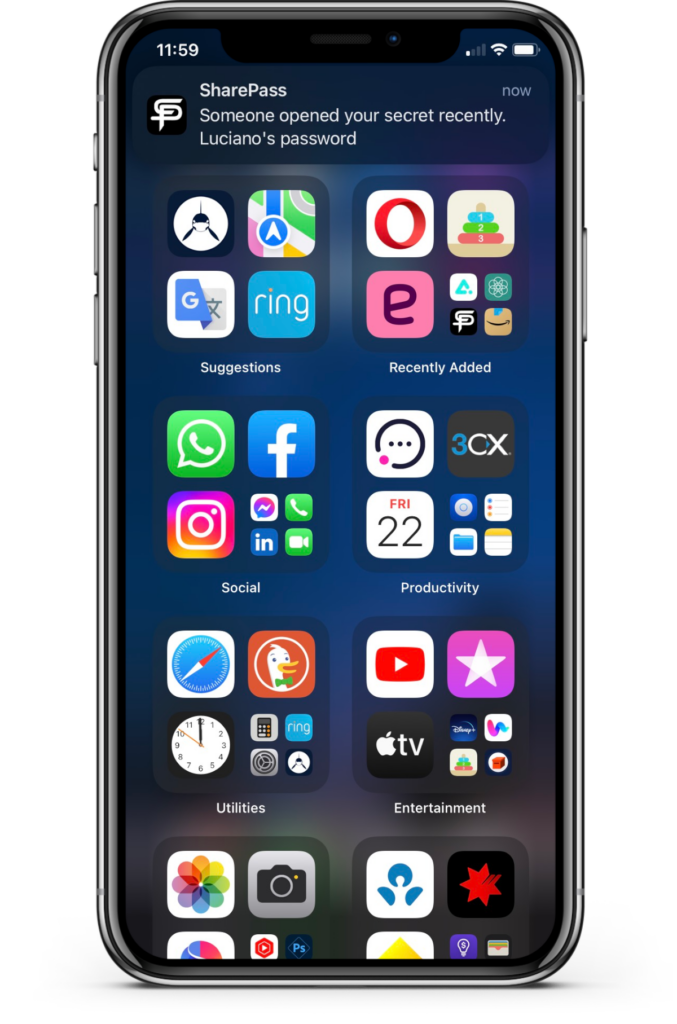
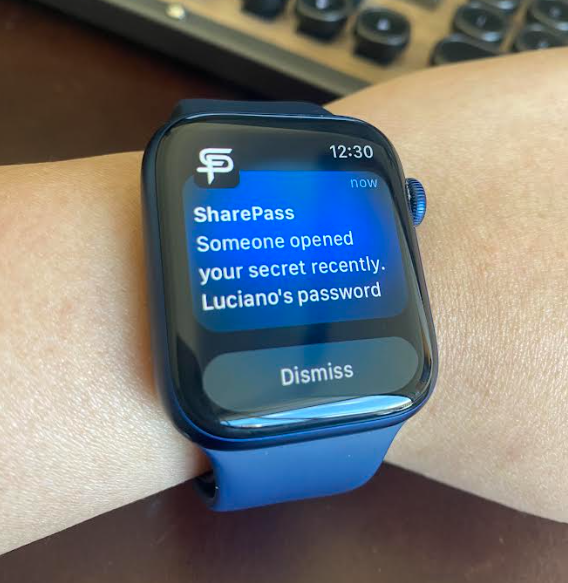
Receive notifications when someone opens a secret successfully or intends to open a locked secret.
Creating a Secret On-The-Go
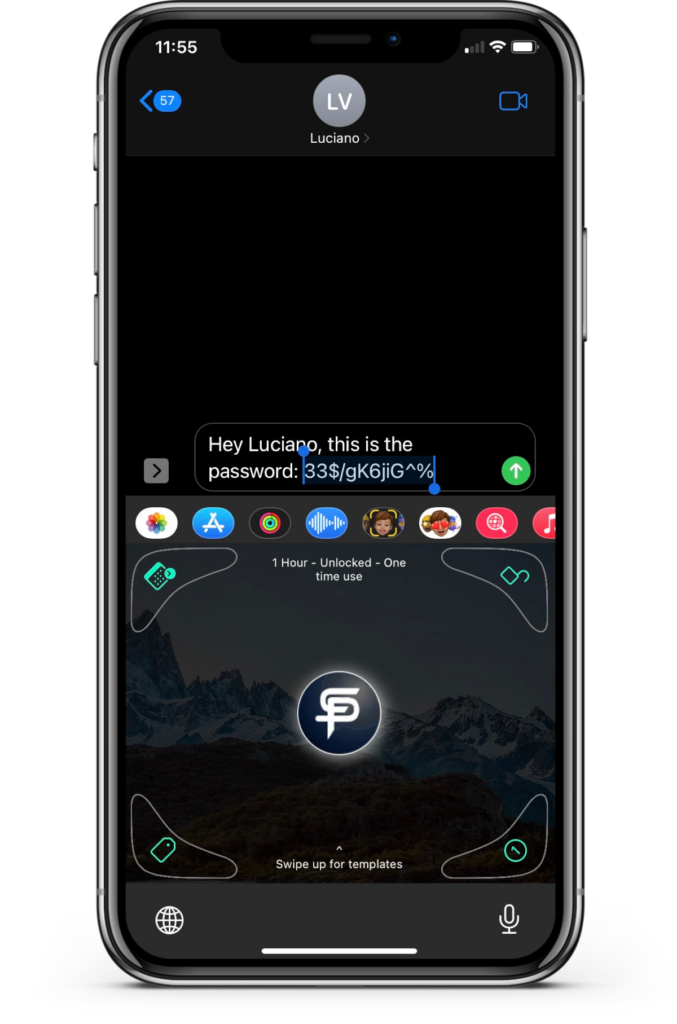
Creating a Secret On-the-Go with the SharePass Mobile App is a streamlined process. Users can type their secret, select it, and effortlessly configure security settings using the app’s integrated keyboard. Once configured, the app generates a secure SharePass link, simplifying the process of sharing sensitive data on the fly.
NFC Technology
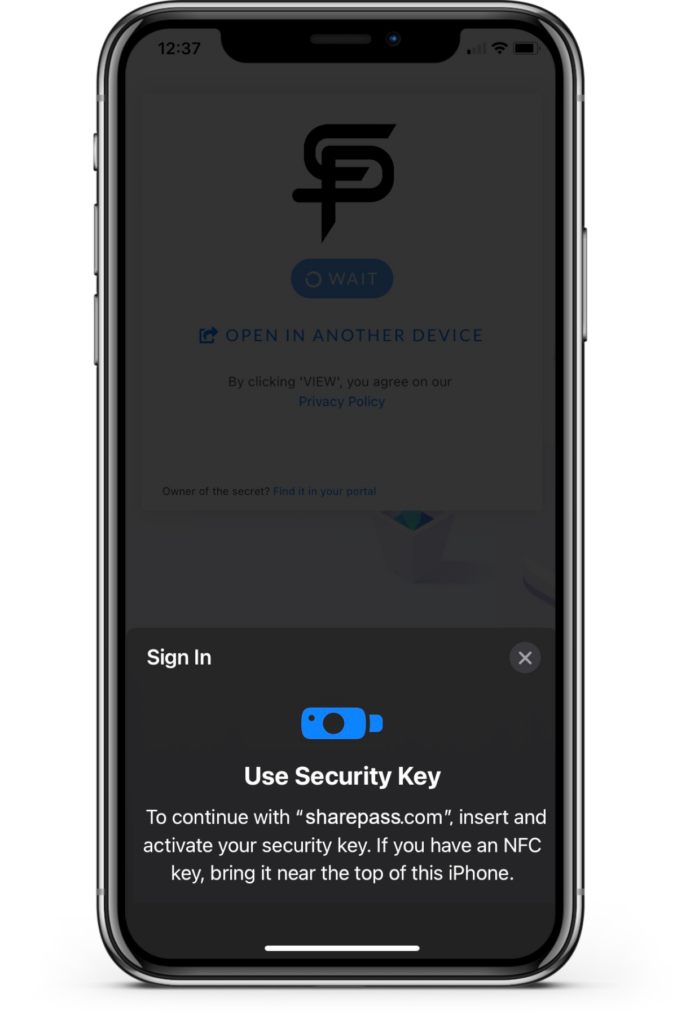
NFC Technology in SharePass enhances security and convenience. SharePass links are fully compatible with NFC technology, allowing users to open secrets protected with security keys using their mobile phones. Simply tap the NFC security key at the back of the phone when prompted, ensuring swift and secure access to your confidential data.