Sending SharePass Links
SharePass allows users to securely share sensitive information with others by generating unique links. These links ensure that the shared data remains confidential and accessible only to authorized recipients.
How it Works
The process of sending SharePass links involves the following steps:
1. Creating a Secret: First, the user creates a secret within the SharePass platform. This secret can be a password, message, or any other sensitive data.
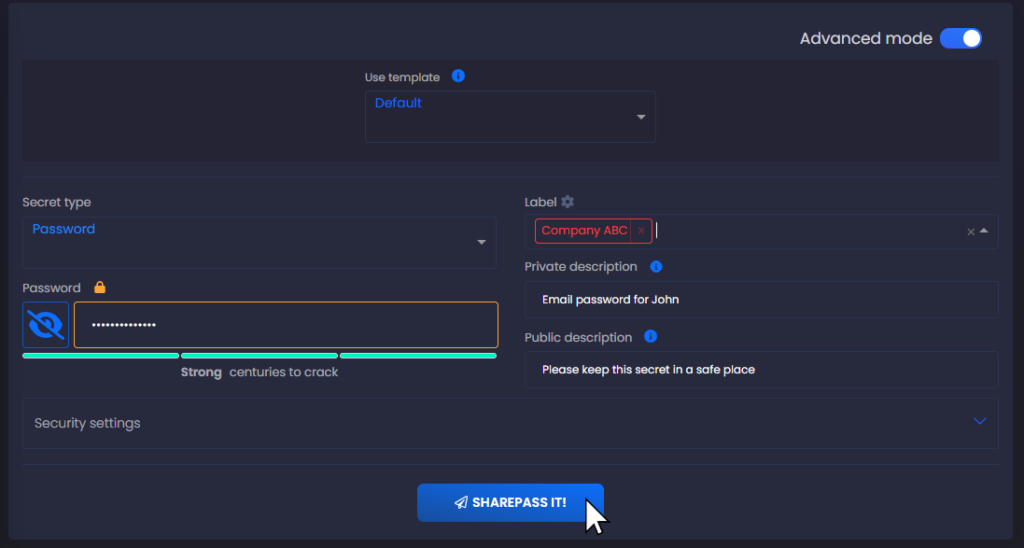
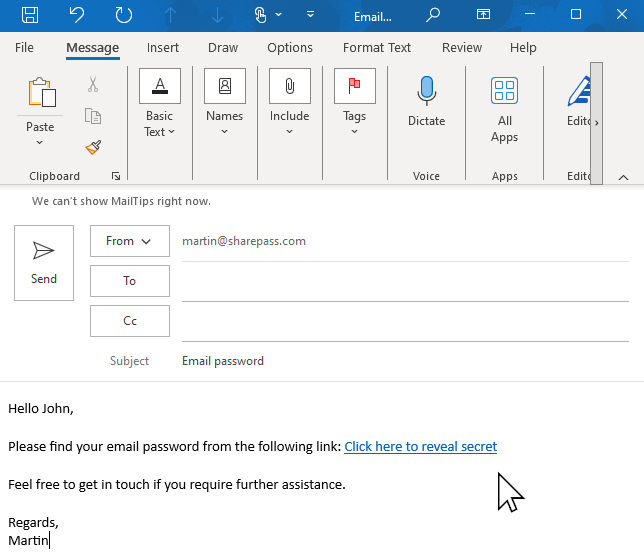
2. Sharing the Link: The user can share this SharePass link through various communication channels, including email, instant messaging, SMS, or any preferred method.
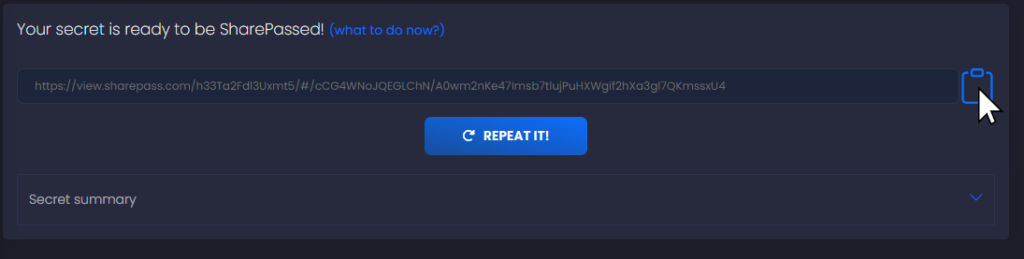
3. Generating a SharePass Link: SharePass generates a unique link for the created secret. This link contains an encrypted reference to the secret and is typically in the format: https://view.sharepass.com/ID/Symmetric_key.
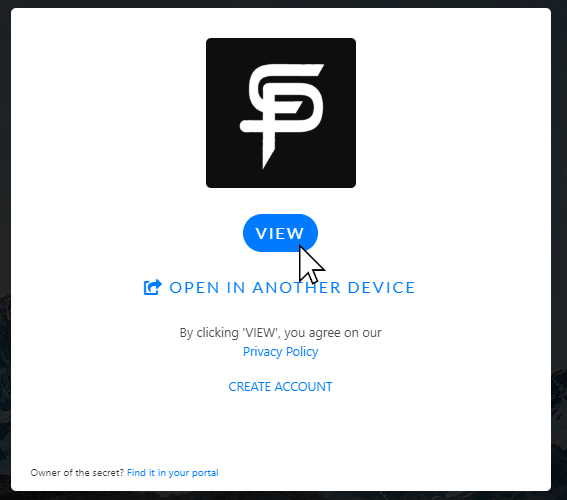
4. Recipient Access: When the recipient clicks on the SharePass link, they are directed to the SharePass platform. The link contains the necessary information to retrieve and decrypt the shared secret.
5. Authorization: To access the secret, the recipient may need to provide specific identification or PIN codes, depending on the sender’s security settings. SharePass ensures that only authorized individuals can retrieve the secret.
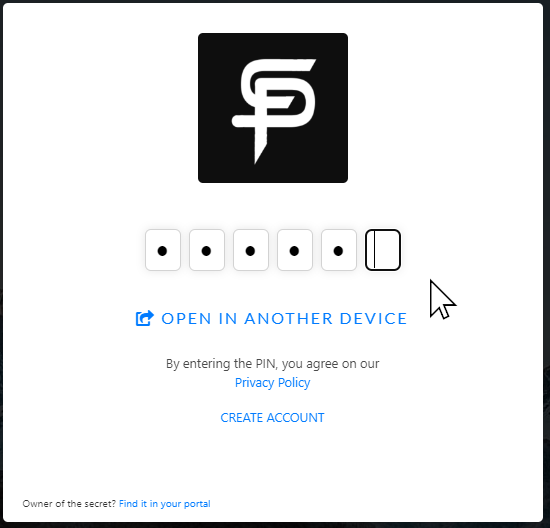
6. Secret Retrieval: Once authorized, the recipient can retrieve and decrypt the secret. The decryption keys never reach SharePass servers, ensuring end-to-end encryption and data security.
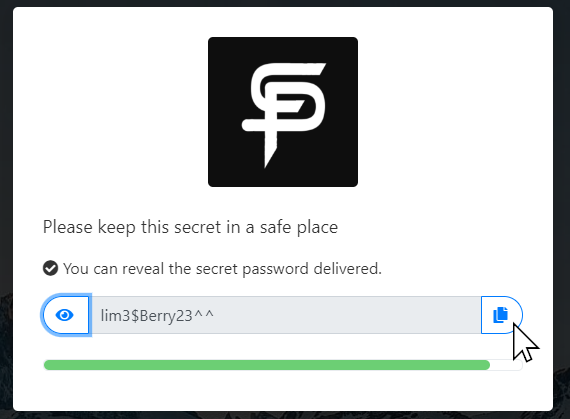
Whether you need to share passwords, messages, files, or other sensitive data, SharePass links ensure that your information remains private and accessible only to the intended recipients.