The SharePass team has been researching a requested feature to allow users to share access to an online account with a recipient without revealing the actual password. “Sharing access” definitely sounds like an excellent feature to have, which can be used in quite a few case scenarios. Still, from the security point of view, it is not recommended.
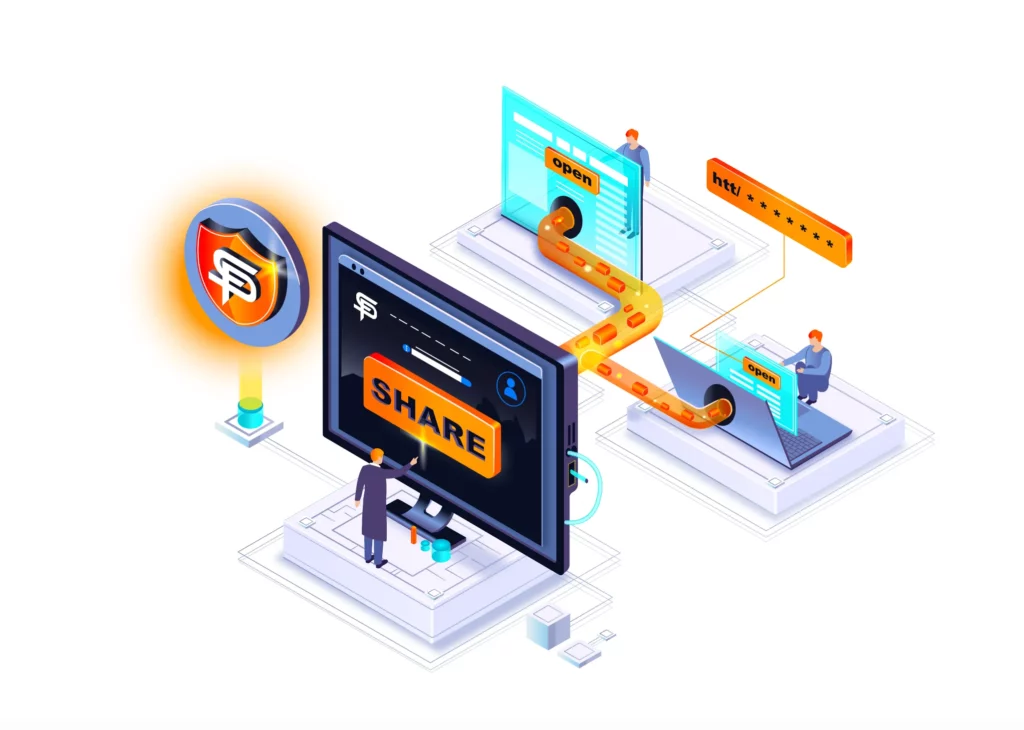
If we compare this scenario to the real world, it is the same as trying to give someone access to your safe without giving him the code. After all, that someone must know the code to key it in and have access. The same concept is applied when converting this scenario to the digital world. When you share credentials with a user, you must give him the ability to input them; that input occurs in clear text, which means the receiving party can know it if it chooses. Any method that tries to go around this doesn’t wholly work.
Here are a few scenarios we researched:
Password Injection — “Autofill”
The first approach is to inject the passwords into the recipient’s browser using an app or browser extension, similar to the autocomplete function that many password managers utilise. Using this method, a password can be potentially injected into a specific field where the receiving user sees only ******.
This solution may work for less technical users. Still, a more advanced user can discover the password by using the browser’s developer tools to allow inspection of the credentials sent to the authentication server (which usually go in the body of a POST request method).
Another way to discover injected passwords would be to run a keylogger explicitly installed for this purpose. This will allow the user to discover the password because password injection would be received as the same input as password typing.
Browser Session Cookie
Another approach would be to copy and share the actual browser session cookie. This can be done either with a browser extension or an application. When the user receives the session cookie, he would be already logged in, allowing him to access the account without knowing the credentials. This method is also called “Session hijacking”, a known method of hackers to gain access to your online accounts.
The main problem with this method is that many portals and web pages actively block it and flag it as a breach attempt because this is a hacking method rather than a security solution.
Another challenge is timing. The access needs to be granted in real-time, meaning that the moment the sender logs out of the account he is trying to share, the recipient would be logged out simultaneously, so this cannot be used on-demand.
Remote session to the host
Another way to give access without sharing the credentials would be to remotely connect and enter the credentials for the person we want to share the access with.
This option would require real-time communication and manual intervention. Even here, the receiving user can discover the password as at some point it was passed in cleartext.
Conclusion
Sharing access to an online account means you have to share the credentials. This process must include authentication and authorisation to make sure it remains secure. The best way to ensure no misuse of the credentials you provided is to change the credentials after the task is complete. Any attempt to try and hide the credentials from the receiver will result in an even greater security risk.
SharePass will allow you to share credentials and sensitive information in a secure way, providing extra layers of verification and authentication methods.